
Para instalar este softphone con encripcion de llamadas IP se debe seguir estos pasos:
Como deshabilitar temporalmente la opción de “Weak Passsword Deteccion” en Elastix 2.4 & 2.5
Si de pura casualidad, tenemos que reinstalar un sistema que fue instalado originalmente con alguna versión de Elastix antes de la 2.0 e incluso en ocasiones con la misma 2.0, y tenemos que restaurar los passwords de las extensiones, las cuales no cumplen con la nueva configuración de complejidad de contraseñas, podemos hacer lo siguiente de forma temporal y despues volver a dejar todo como estaba.
Aclaro, no es bueno dejar contraseñas insegura o que no cumplan con cierta complejidad, pero si estamos en una reimplementación que inicio a las 9:00 PM y queremos irnos pronto para dejar operando el sistema y despues hacer un proceo de revisión completo, esto les puede ser de mucha utilidad.
Al tratar de subir el archivo extenxions.csv por Batch Configurations –> Batch of Extensions me sale esta leyenda
Secret débil. Línea: 2. – El Secret debe tener minimo 6 caracteres alfanumericos, incluido mayusculas y minusculas.
Buscando en la Web pude solventarlo editando algunos archivos php de Elastix, acontinuación le mostrare los pasos a seguir:
Editar archivo:
|
1 |
vim /var/www/html/modules/extensions_batch/libs/paloSantoExtensionsBatch.class.php |
Buscar la función en Elastix 2.4:
function valida_password($Secret)
{
Y agregar justo después de la primer llave: return true;
|
1 2 3 4 5 6 7 8 9 10 11 12 13 14 15 16 17 18 19 20 21 22 23 |
function valida_password($Secret) { return true; <<=========== <strong>agregar este..</strong> if(strlen($Secret) <= 5) return false; if (!preg_match("/[[:alnum:]]/", $Secret)) return false; if (preg_match("/[[:space:]]/", $Secret)) return false; if (preg_match("/[[:punct:]]/", $Secret)) return false; if (!preg_match("/[a-z]/", $Secret)) return false; if (!preg_match("/[A-Z]/", $Secret)) return false; if (!preg_match("/[0-9]/", $Secret)) return false; |
Buscar la función en Elastix 2.5:
|
1 2 3 4 5 6 7 8 9 |
private function _valida_password($Secret) { return true; <<========== <strong>agregar este</strong> if(strlen($Secret) <= 5) return false; return (preg_match('/[[:alpha:]].*[[:alpha:]]/', $Secret) && preg_match('/[[:digit:]].*[[:digit:]]/', $Secret)); } |
Grabar, volver a dejar todo como estaba.
De esta forma puedes subir contraseñas que no cumplan con la complejidad de contraseñas y te ahorras mucho trabajo, pero no olvides que tener contraseñas no seguras dejan en un punto vulnerable importante a tu sistema.
Algunos tips
Por si acaso alguien corre hacia este problema al actualizar de 2.0 2.2 a 2.4 & 2.5:
Tratando de subir un batch of extensions de mi 2.0.3 caja para una nueva caja de Elastix 2.5.
Produce este error:
|
1 |
Verify the header - At minimum there must be the columns: "Display Name", "User Extension", "Secret", "Tech" |
Lo que dice es que verifiquemos la cabecera – como mínimo debe haber las columnas: “Display Name”, “User Extension”, “Secret”, “Tech”
Tengo todas las columnas excepto “Tech” en mi viejo archivo de v2.0.3. Manualmente añadí el encabezado “Tech” y agregó “sip” o “iax” a los campos (en mi caso son todos).
Después de esto funcionó.
Espero que esto ayude a alguien allá afuera.
Como medir las partículas del aire con un raspberry pi
Fuente
Que son las partículas en el aire
Seguir leyendo Como medir las partículas del aire con un raspberry pi
Proxmox – Crear un cluster
Si queremos tener un cluster de servidores virtuales debemos seguir estos pasos:
Primero.- Creamos el cluster en el servidor principal Proxmox:
|
1 |
pvecm create NOMBRE |
Bloqueo de Navegacion en PfSense por medio de Reglas
Si queremos realizar el bloqueo de la navegacion, sin utilizar el proxy realizamos los siguientes pasos:
Seguir leyendo Bloqueo de Navegacion en PfSense por medio de Reglas
Backup y Restore de MySQL Usando Mydumper/Myloader
Mydumper y Myloader es una utilidad de software que realiza backups y restores rapidos de bases de datos MySQL, esta escrito en C y es multitarea.
Lo usual es utilizar mysqldumpy es muy util para bases de datos pequeñas, pero en bases grandes puede tener problemas, es lento y produce errores.
Seguir leyendo Backup y Restore de MySQL Usando Mydumper/Myloader
Instalar Software para inventario de Hardware – OCS Inventory
El siguiente tutorial es para instalar el software para hacer inventario de las maquinas que tenemos en nuestra red, para esto vamos a utilizar centos 7.
Seguir leyendo Instalar Software para inventario de Hardware – OCS Inventory
20 Aplicaciones Open Source
1. SimpleScreenRecorder
Grabar videos de la pantalla con Simple Screen Recorder es muy facil, pero muy poderoso
How to record programs and games using Simple Screen Recorder.
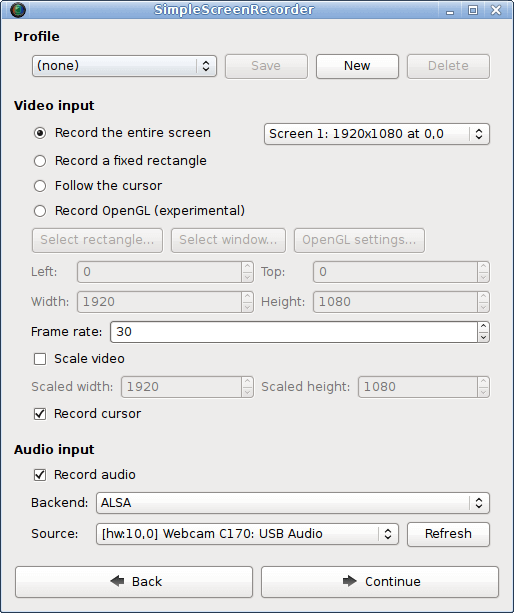
Simple Scree Recorder
Website: http://www.maartenbaert.be/simplescreenrecorder/
2. Jaspersoft Studio
Jaspersoft Studio es un diseñador de reportes que se pueden exportar en varios formatos, como por ejemplo PDF.
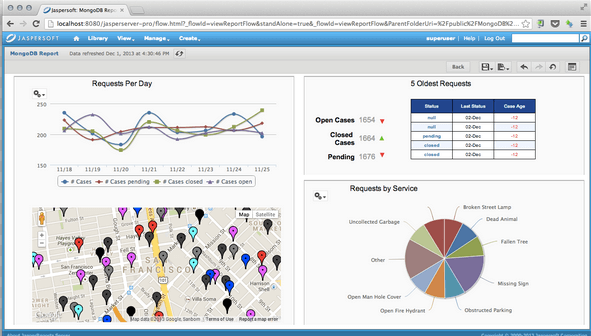
Jaspersoft Studio
Website: http://community.jaspersoft.com/
3. Visual Studio Code
Visual Studio Code es un editor de software que tiene varios plugins muy utiles
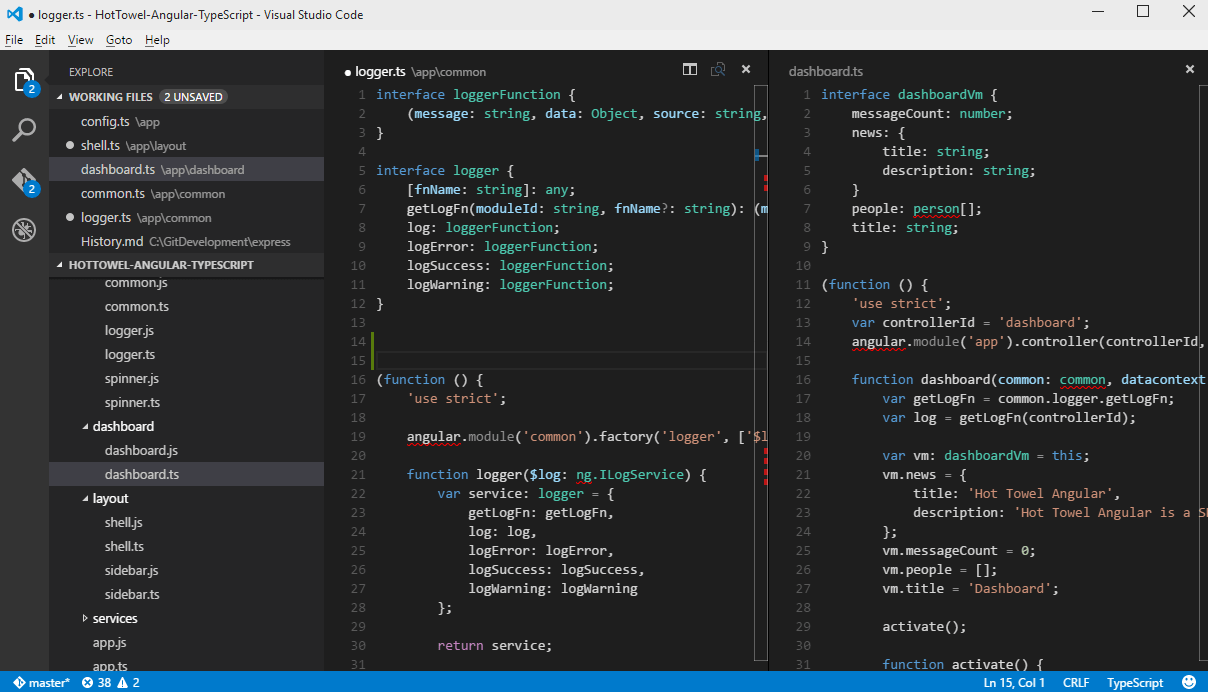
Visual Studio Code
Website: https://code.visualstudio.com/
4. TuxGuitar
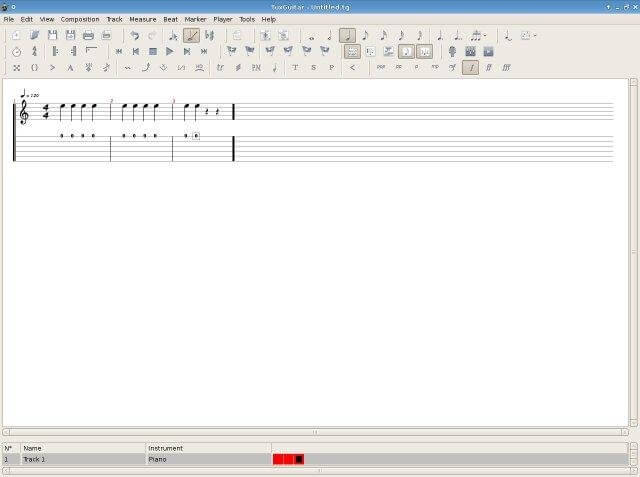
TuxGuitar
Website: http://sourceforge.net/projects/tuxguitar/
5. Ekiga
Softphone para Linux y tambien para Windows.

Ekiga
Website: http://www.ekiga.org/
6. Childsplay
Juegos y actividades para niños

Childsplay
Website: http://childsplay.sourceforge.net/
7. Dia
As you will probably guess from its name and based on the image above, Dia is a versatile diagram editor comparable to Microsoft Visio. Besides the native shapes, others can be added very easily by editing a XML file. Diagrams can be exported to several known formats (EPS, SVG, XFIG, WMF and PNG, to name a few) for sharing and easier visualization.
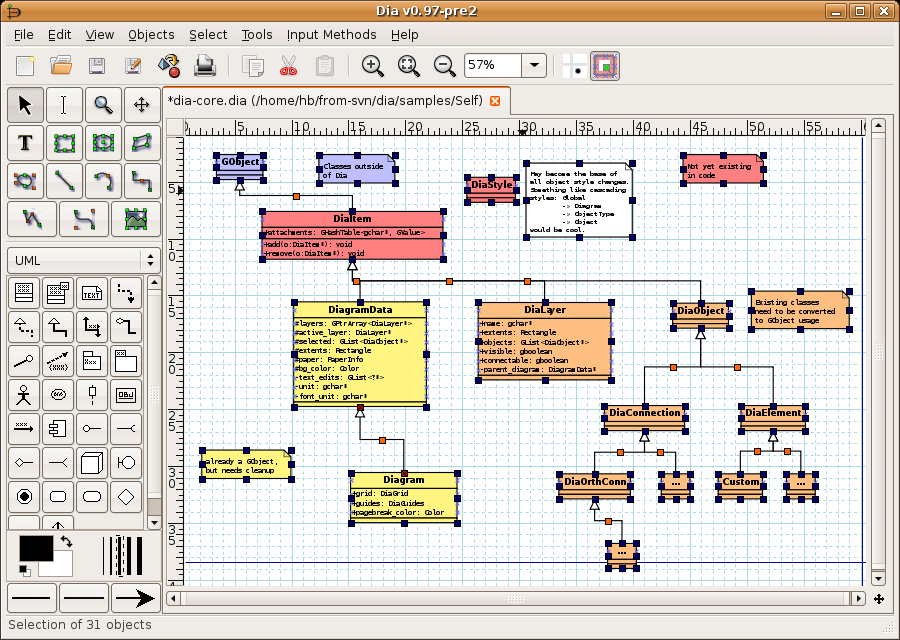
Dia Diagram Editor
Website: http://live.gnome.org/Dia
8. FreeCAD
FreeCAD is a general purpose 3D Computer-Aided Design program fit for use in engineering and architecture. Given the fact that FreeCAD is FOSS, it is easily customizable and extensible through the use of Python scripts.
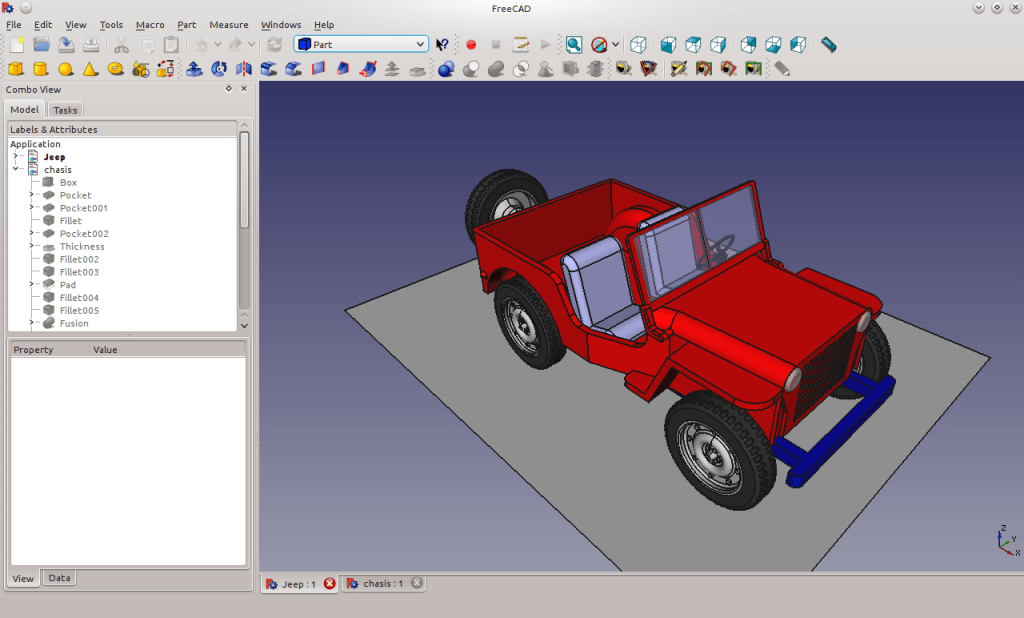
FreeCAD
Website: http://www.freecadweb.org/
9. Owncloud
Es una alternativa a Dropbox, sirve para crear una nube de archivos propia
Create Personal/Private Cloud Storage Solution in Linux
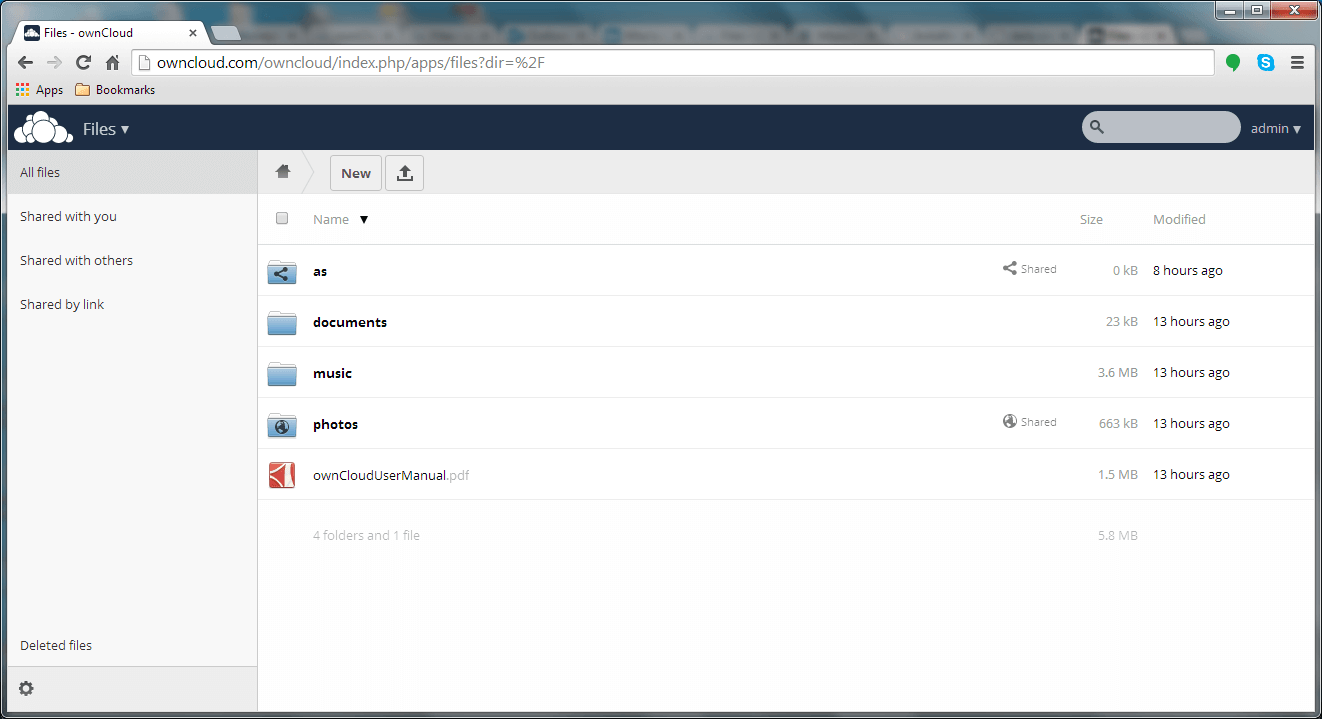
Owncloud Storage Solutions
Website: http://www.owncloud.com
10. MediaWiki
MediaWiki is a program for creating and managing a Wikipedia-like website (in fact, Wikipedia itself is based on MediaWiki) where a community can add, remove, update and revert entries, and authors are notified upon such changes.
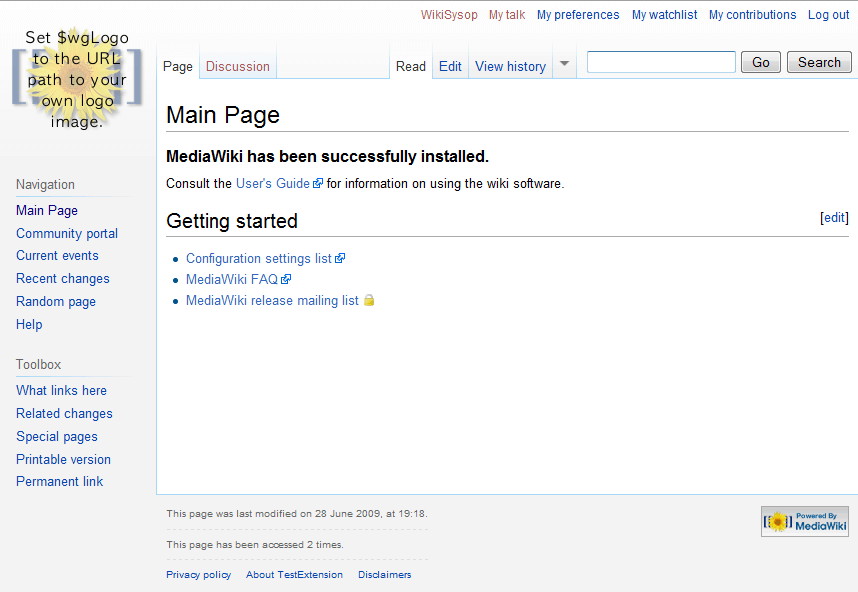
MediaWiki
Website: http://www.mediawiki.org
11. Bleachbit
You can think of Bleachbit as the CCleaner for Linux – but more powerful. It will not only recover disk space by deleting temporary or otherwise unnecessary files, but will also improve Firefox performance and securely destroy unnecessary files to prevent recovery.
We already covered installation about Bleachbit in depth here: Disk Space Cleaner and Privacy Guard for Linux
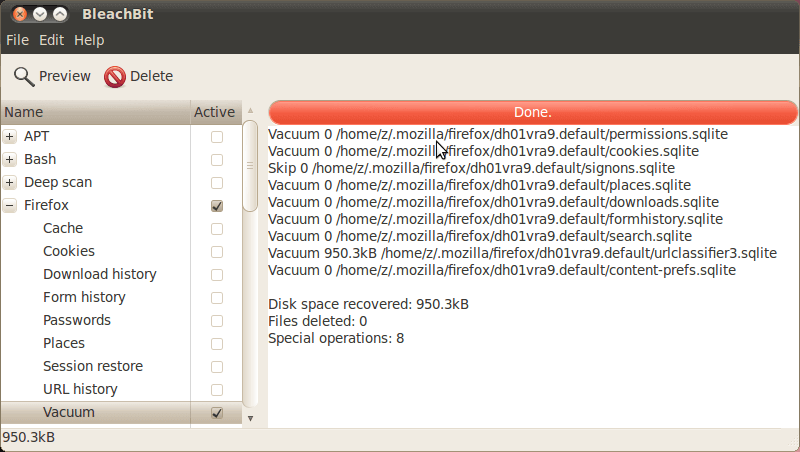
Bleachbit
Website: http://bleachbit.sourceforge.net/
12. CodeMirror
CodeMirror is a very powerful Javascript-based text editor for the web browser. CodeMirror includes syntax highlighting for over 100 languages and a robust API. If you own a website or blog that provides programming tutorials, you will find CodeMirror to be a very useful tool.
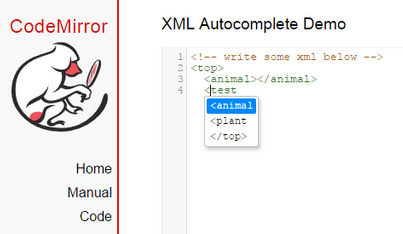
CodeMirror Syntax Highlighting
Website: http://codemirror.net
13. GNUMed (Client + Server)
Having been extensively tested by real doctors in their practice, GNUMed enable health professionals to keep a medical record of their patients history. To use GNUMed, you will need to install both the client and the server, and take necessary precautions to protect and back up data as you would do in any other case where information is highly valuable.
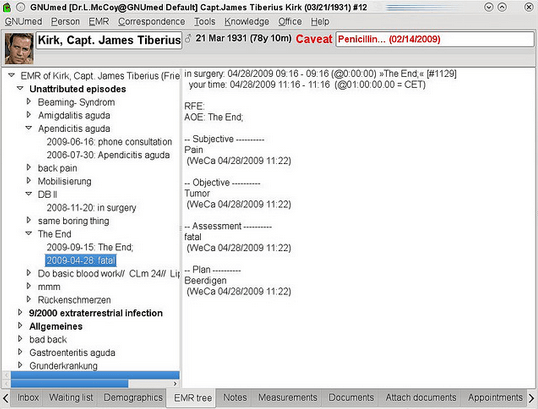
GNUMed
Website: http://wiki.gnumed.de
14. OCS Inventory NG
Open Computer and Software Inventory Next Generation, or OCS Inventory NG for short, is a lightweight web application that can help network and system administrators to keep track of 1) all the devices connected to the network, and 2) machine configuration and software installed in them.
The project’s website (listed below) has a fully functional demo in case you want to check it out before attempting to actually install the program. In addition, OCS Inventory NG relies on well-known technologies as Apache and MySQL / MariaDB, making it a robust program.
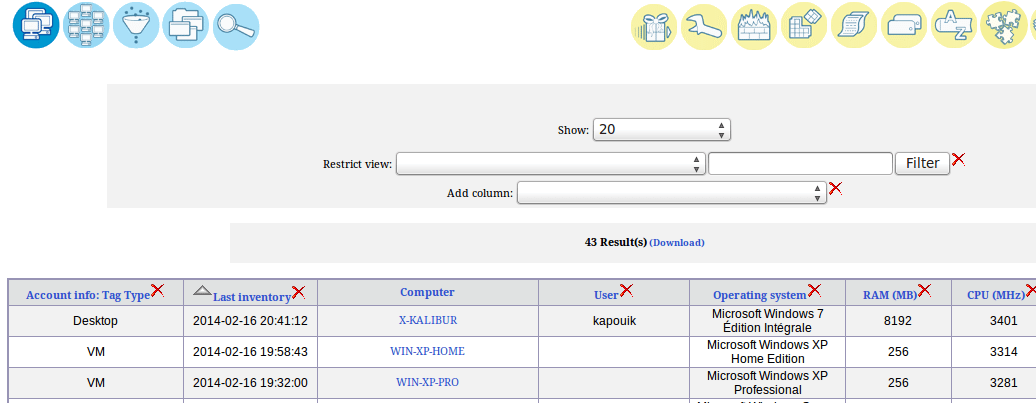
OCS Inventory NG
Website: http://www.ocsinventory-ng.org/en/
15. GLPI
Often used in conjunction with OCS Inventory NG, GLPI is a multilingual, free IT asset management software that not only provides the tools to build up a database with an inventory of your network devices, but also includes a job-tracking-system with mail notifications.
Other distinguishing features include, but are not limited to:
- Interventions history
- Solution approval
- Satisfaction survey
- Exporting inventory to PDF, spreadsheet, or PNG formats
We already covered installation about GLPI IT Asset Management tool in depth here: Install GLPI IT and Asset Management Tool in Linux
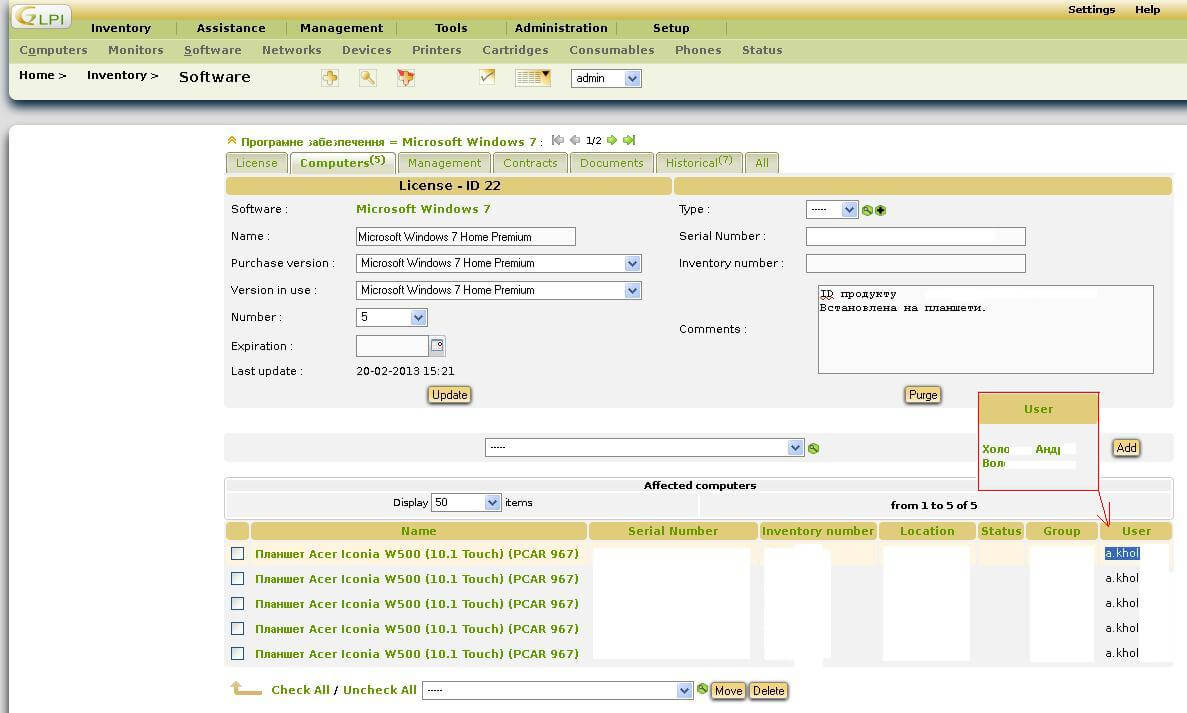
GLPI IT Asset Management
Website: http://glpi-project.org/spip.php?lang=en
16. Ampache
With Ampache, you can set up your own home media center or online audio and video streaming application and access it from anywhere with an Internet connection.
Although it is designed as a personal application, Ampache allows for public registration if an administrator chooses to enable that feature.
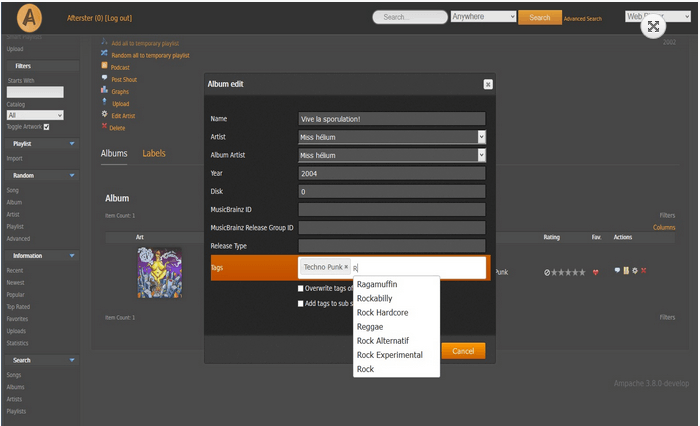
Ampache MP3 Steaming
Website: http://ampache.org/
17. PDFEdit
As a complete pdf document editing solution, PDFEdit lets you edit and manipulate PDF documents very easily. PDFEditor includes a rich API that allows you to extend its native functionality through the use of scripts.
The website and the wiki provide detailed documentation on how to use and tweak PDFEdit.
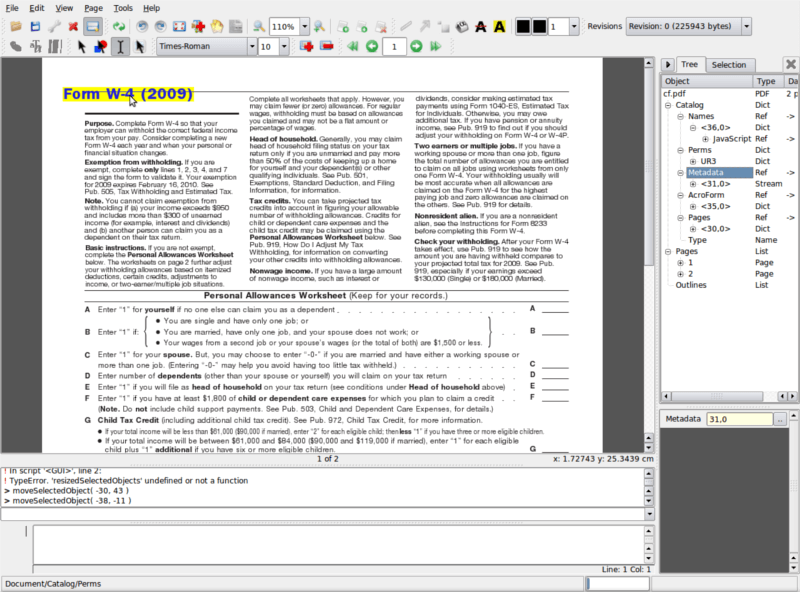
PDFEdit PDF Editor
Website: http://pdfedit.cz/
18. Lemon POS
If you own a small or medium business you will undoubtedly need a Point Of Sale program. As such, Lemon POSmay be a lifesaver for you. It uses a MySQL / MariaDB database for data storage, and thus a single database can be used with multiple active terminals at the same time. On top of all that, Lemon POS also includes a search panel, a price-checker utility, and a tool to create printed reports.
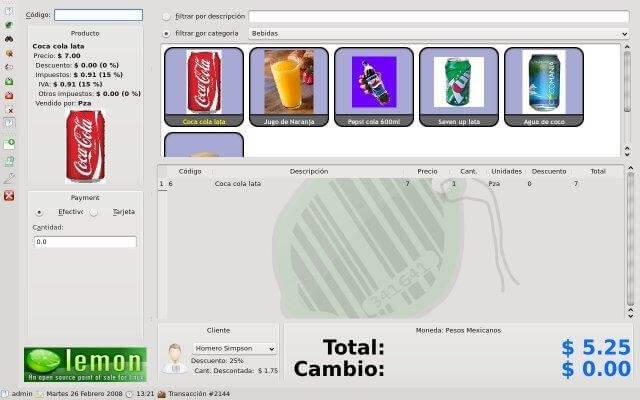
Lemon POS
Website: http://sourceforge.net/projects/lemonpos/
19. OpenShot
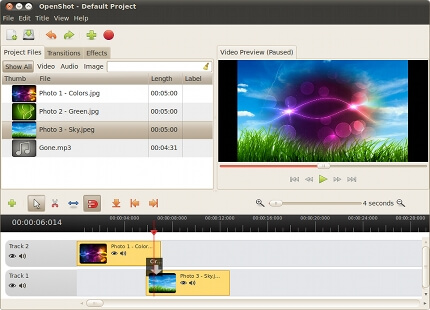
OpenShot is a FOSS video editor for Linux that can help you create “the film you have always dreamed of” (in the words of its developers) with your home videos, pictures, and music files. It also allows you to add subtitles, transition effects, and export the resulting video file to DVD and many other common formats.
OpenShot Video Editor
Website: http://www.openshot.org
20. LAN Messenger
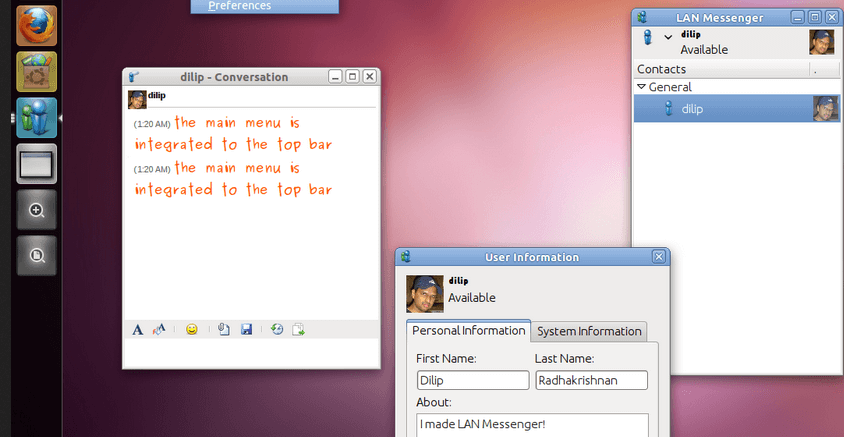
LAN Messenger is a multilingual (a language pack is needed) and cross-platform (works in Linux, Windows, and Mac) IM program for communication over a LAN. It provides file transfers, message logging, and event notifications – all without the need to set up a server!
LAN Messenger
Website: http://lanmsngr.sourceforge.net/
Fuente:
https://www.tecmint.com/best-free-open-source-softwares-of-2017/
Guia paso a paso de Git con github
Si nunca has usado Git, es posible que estés nervioso. No hay nada de qué preocuparse: simplemente siga esta guía paso a paso para comenzar, y pronto tendrá un nuevo repositorio de Git hospedado en GitHub.
Antes de sumergirnos, aclaremos un error común: Git no es lo mismo que GitHub. Git es un sistema de control de versiones (es decir, una pieza de software) que le ayuda a realizar un seguimiento de los programas y archivos de su computadora y los cambios que se le hacen a lo largo del tiempo. También le permite colaborar con sus compañeros en un programa, código o archivo. GitHub y servicios similares (incluidos GitLab y BitBucket) son sitios web que alojan un programa de servidor Git para contener su código.
Referencia: